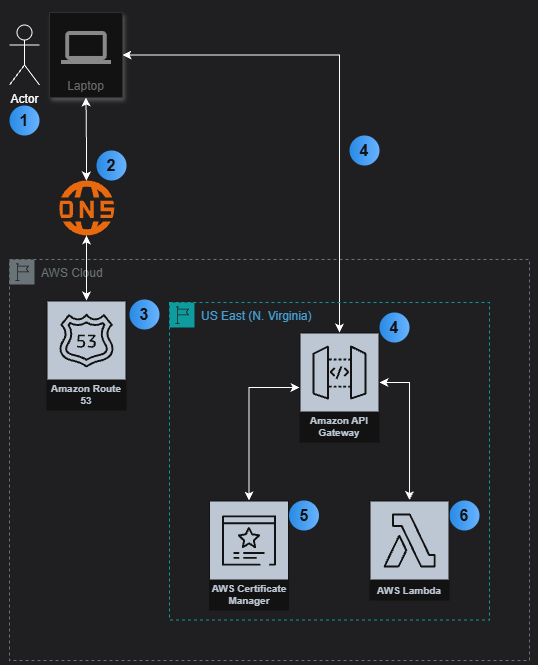
1 - Actor uses laptop, opens browser, and types in a URL.
2 - Browser queries DNS service to locate website.
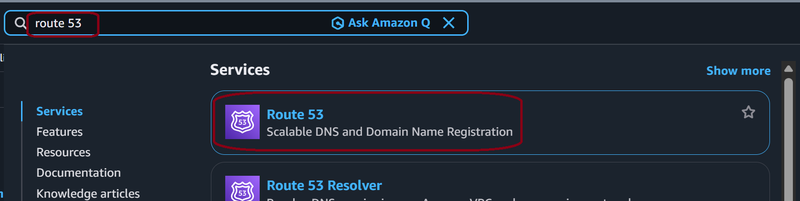
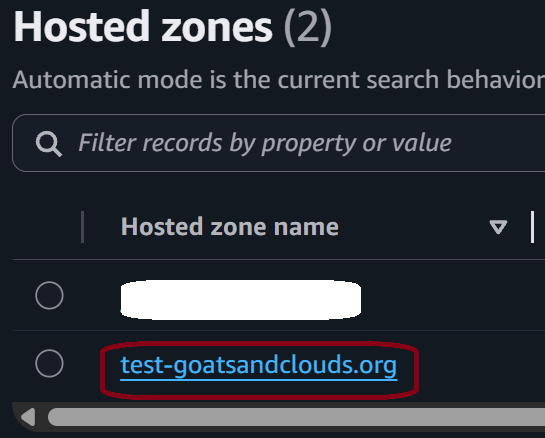
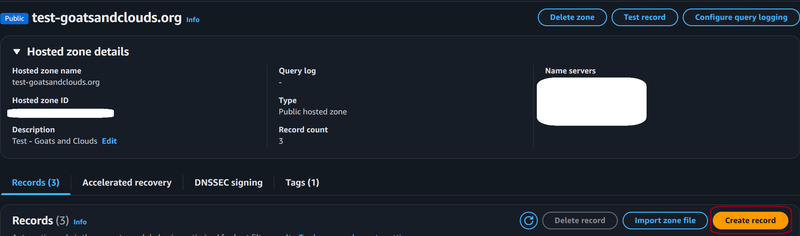
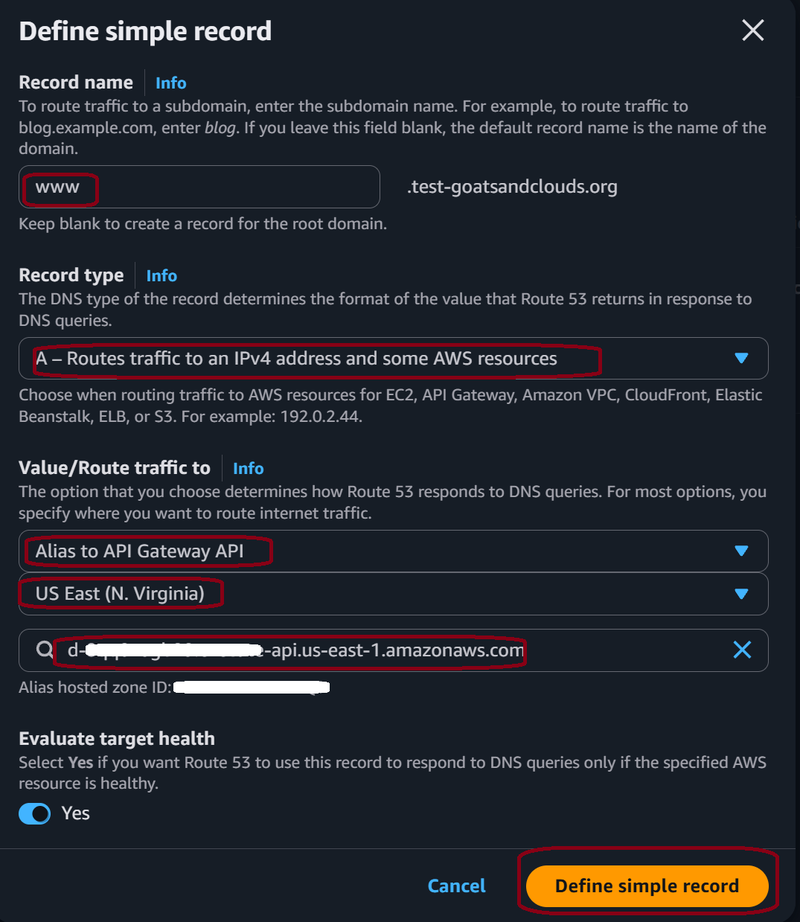
3 - DNS service tries to locate website. Route 53 returns the DNS record to the DNS server so it can direct the browser request to API Gateway.
4 - Browser request is answered by the API Gateway using a REST API.
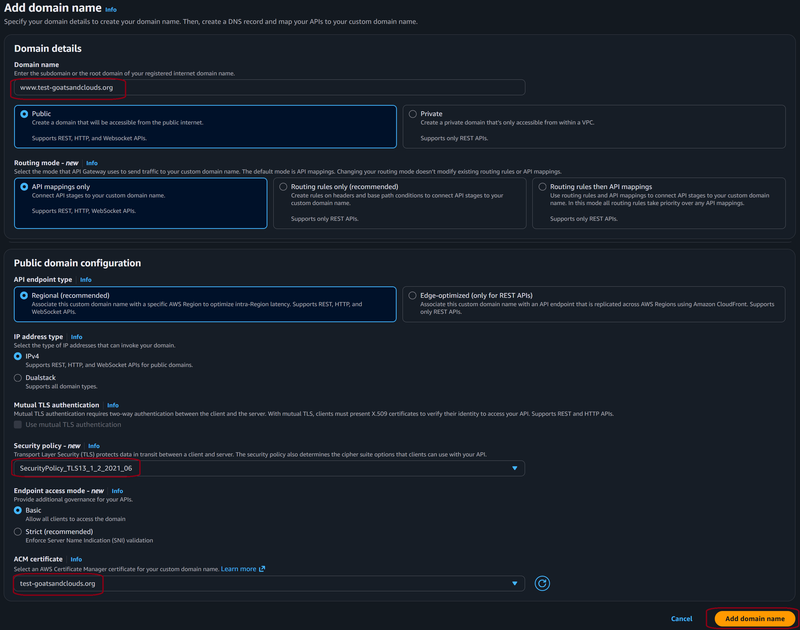
5 - API Gateway is integrated with AWS Certificate Manager and provides the public certificate to the browser.
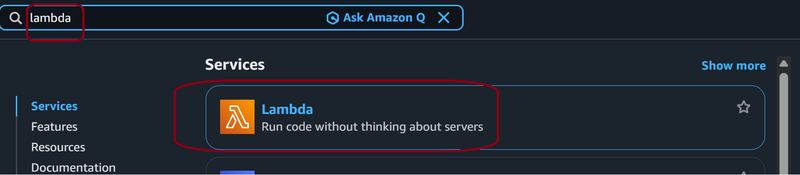
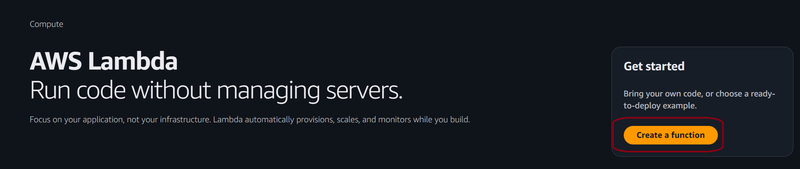
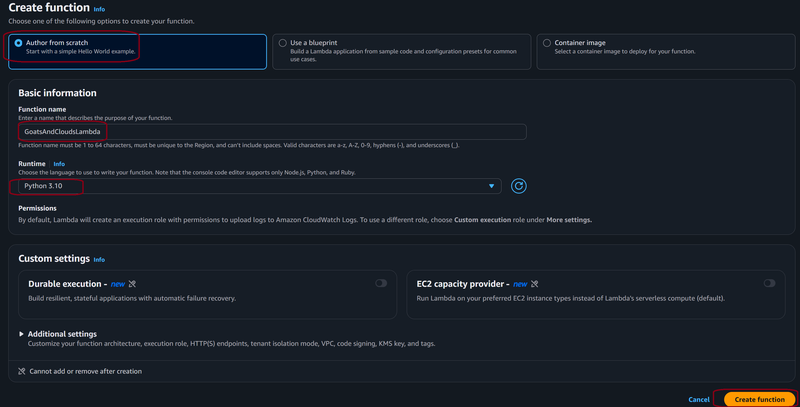
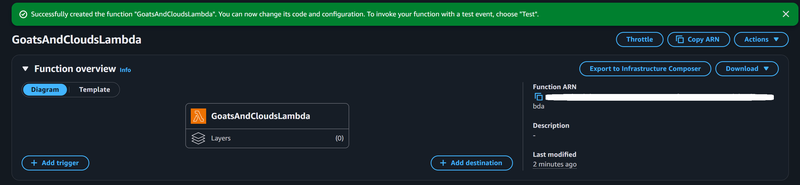
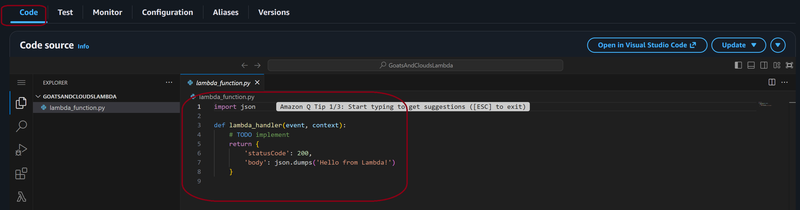
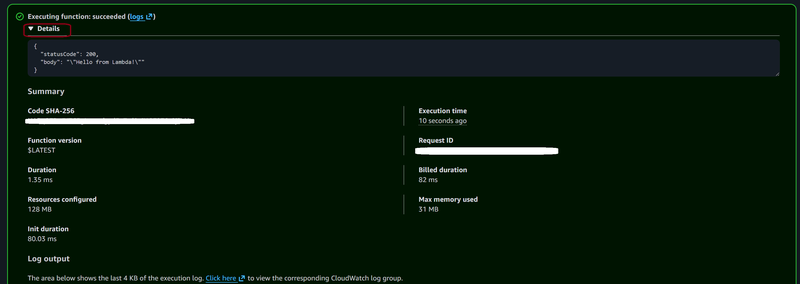
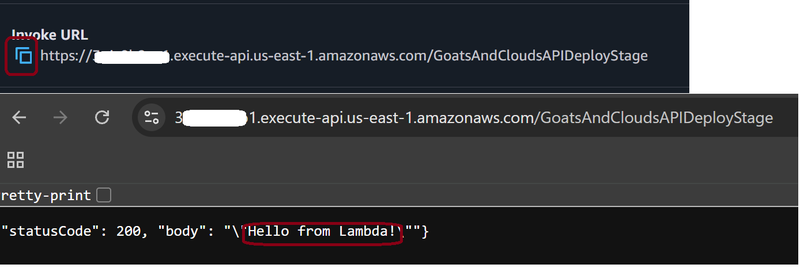
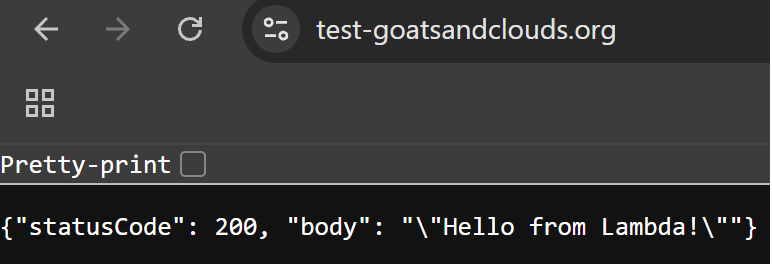
6 - API Gateway connects to Lambda, which executes code. In this case, it is a simple “Hello World” Python script. The result is returned to the API Gateway REST API, which returns that result to the client.