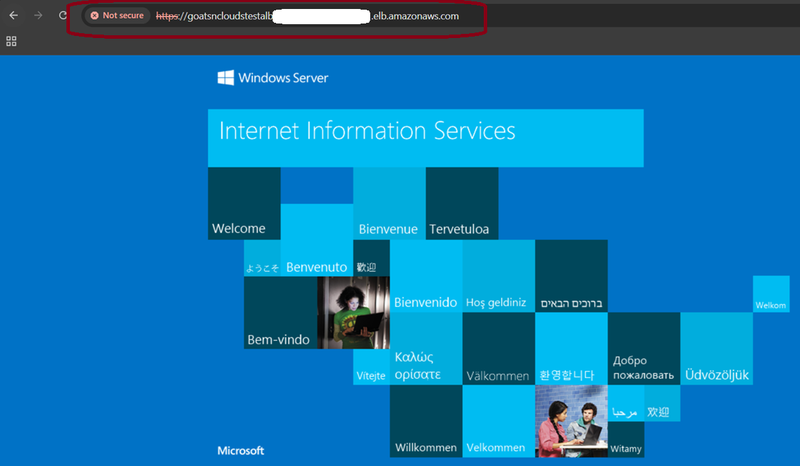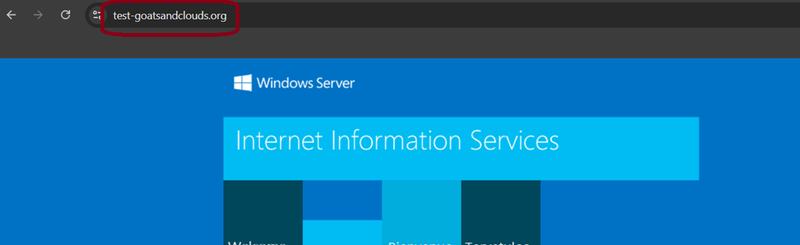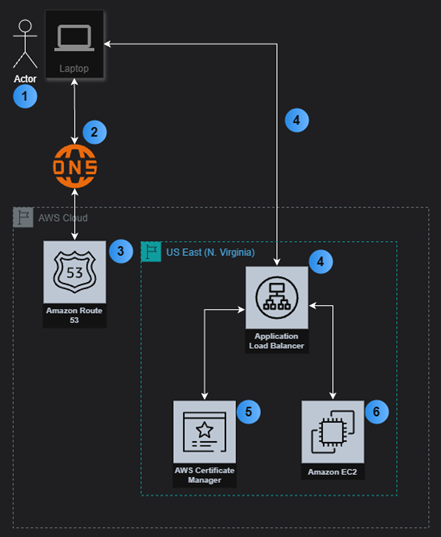
1 - Actor uses laptop, opens browser, and types in a ULR.
2 - Browser queries DNS service to locate website.
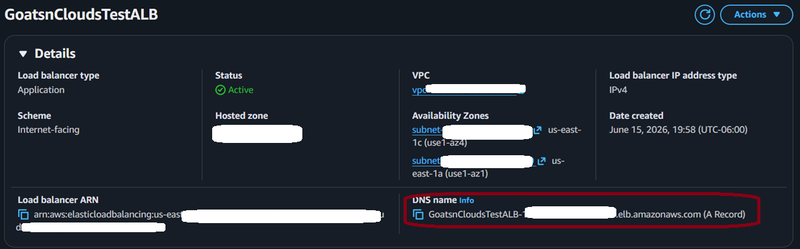
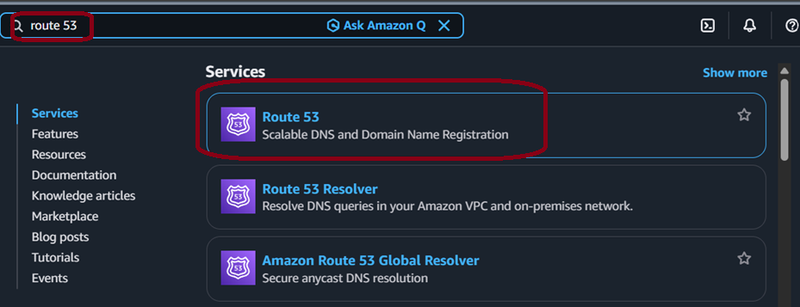
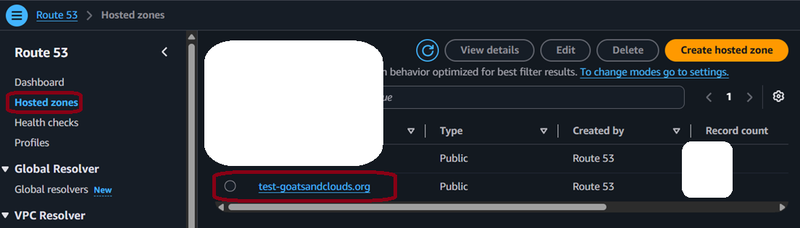
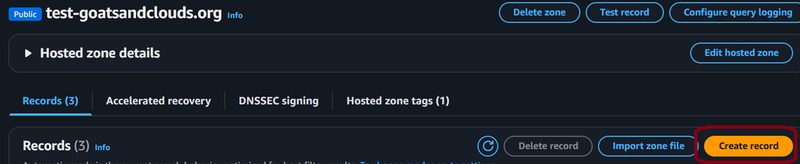
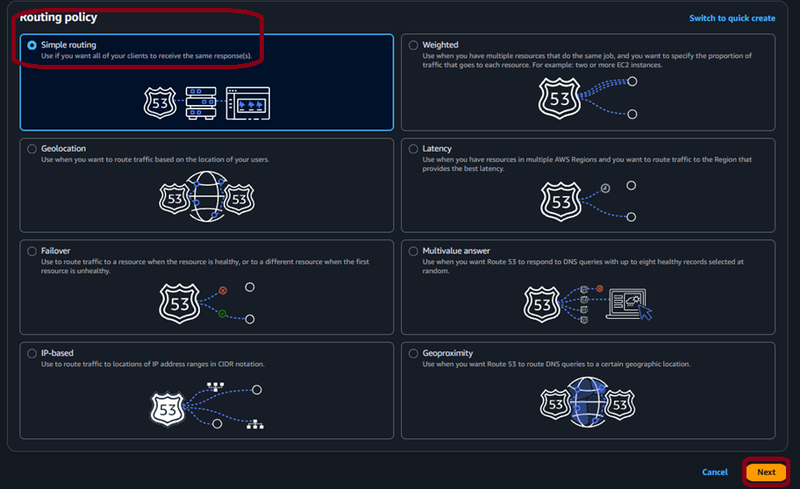
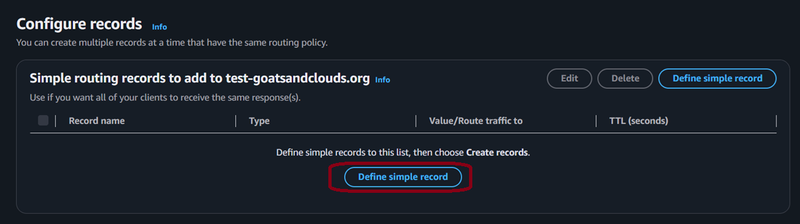
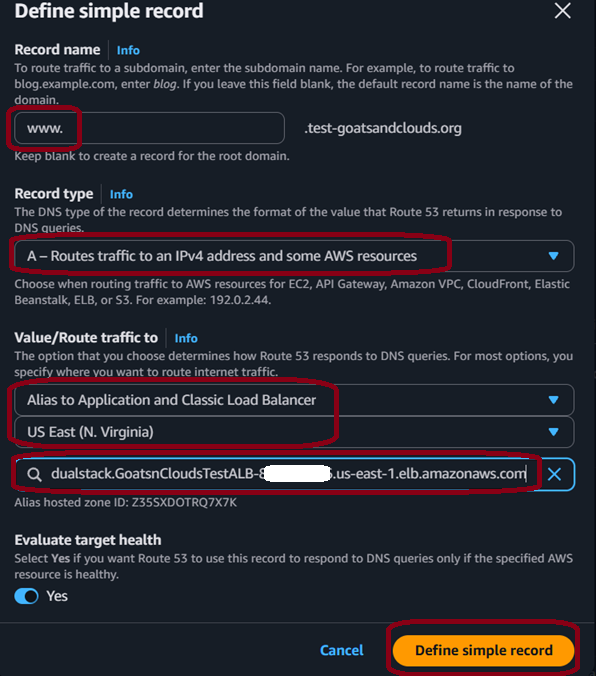
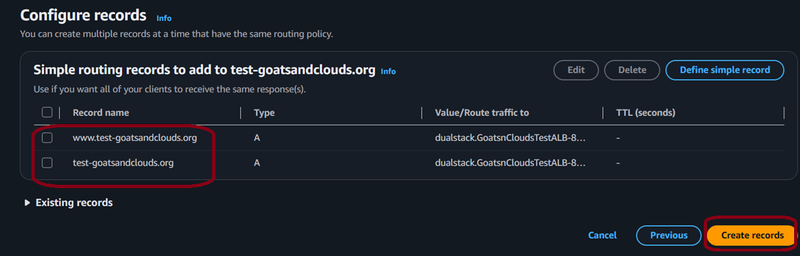
3 - DNS service tries to locate website. Route 53 returns the DNS record to the DNS server so it can direct the browser request to the Application Load Balancer.
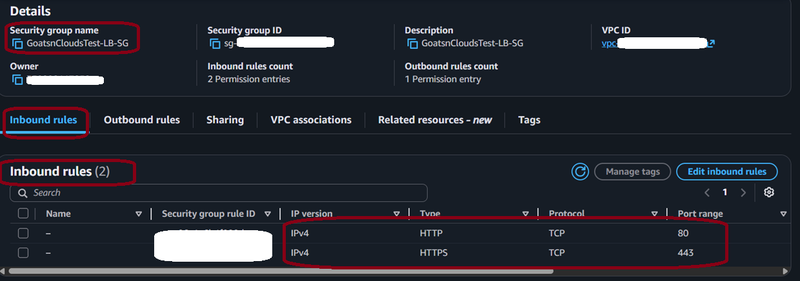
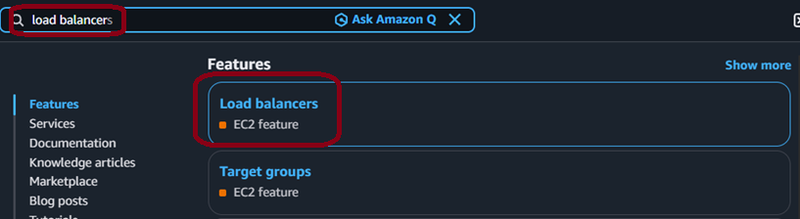
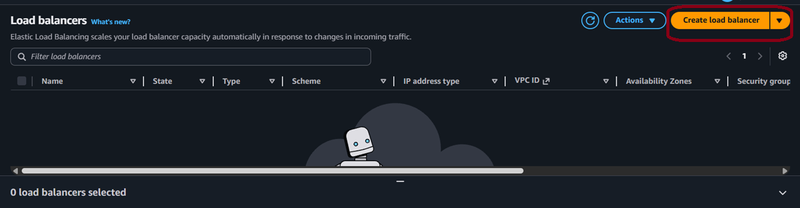
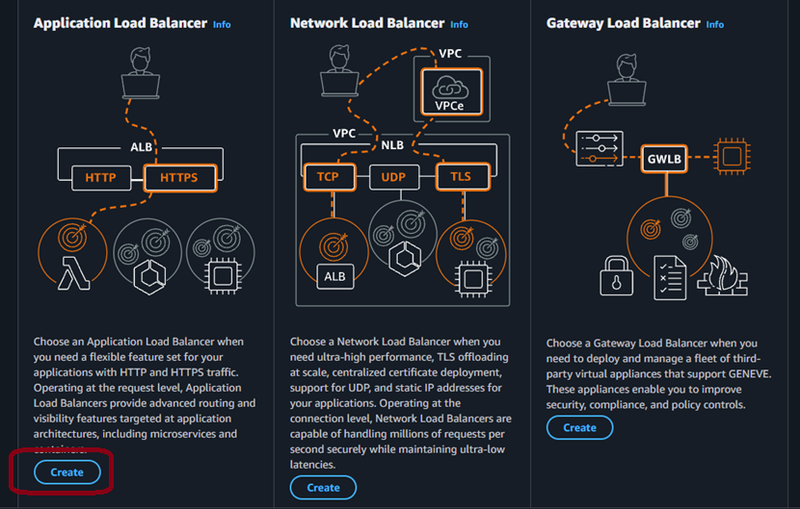
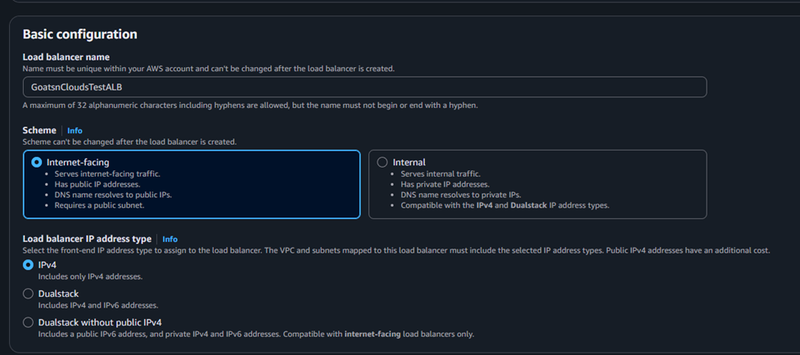
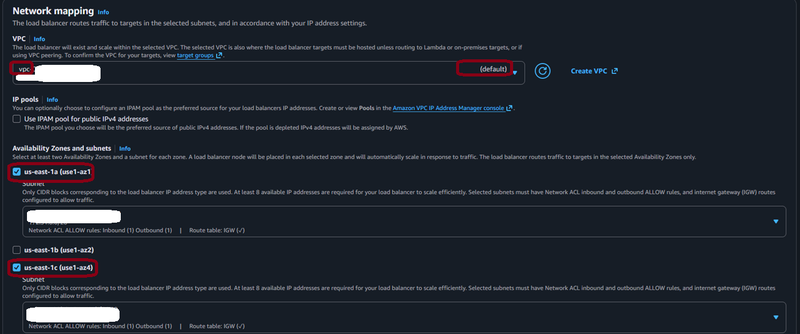
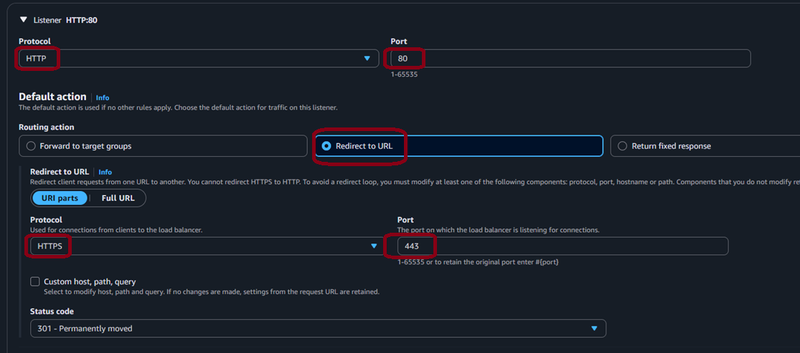
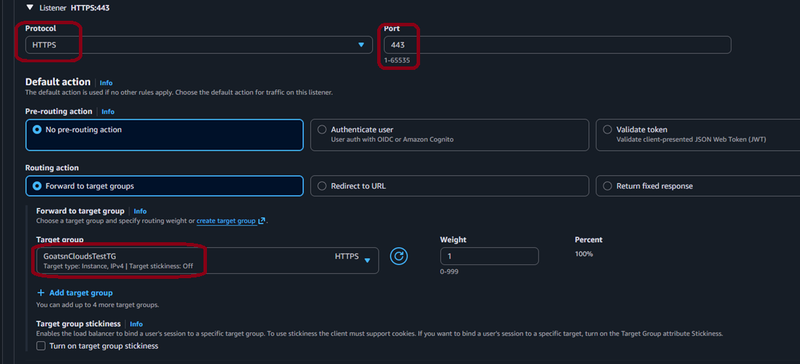
4 - Browser request is answered by the Application Load Balancer.
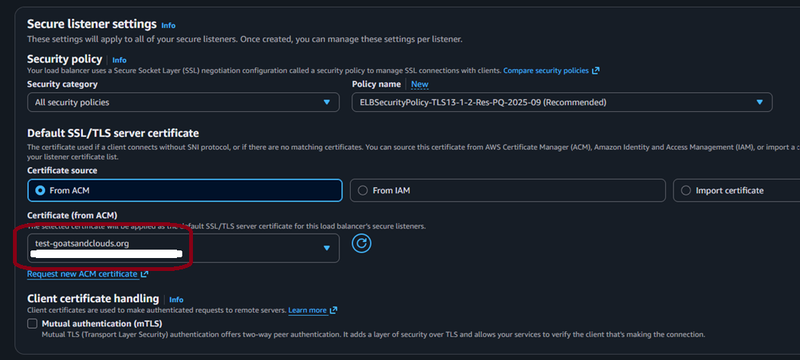
5 - The Application Load Balancer is integrated with AWS Certificate Manager and provides the public certificate to the browser.
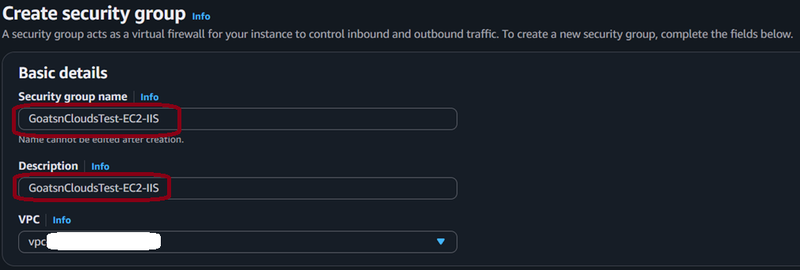
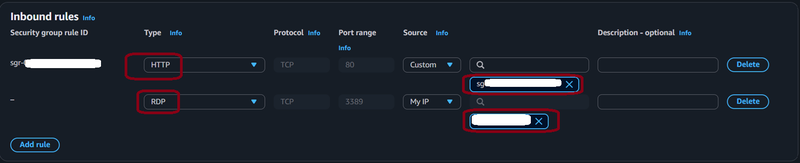
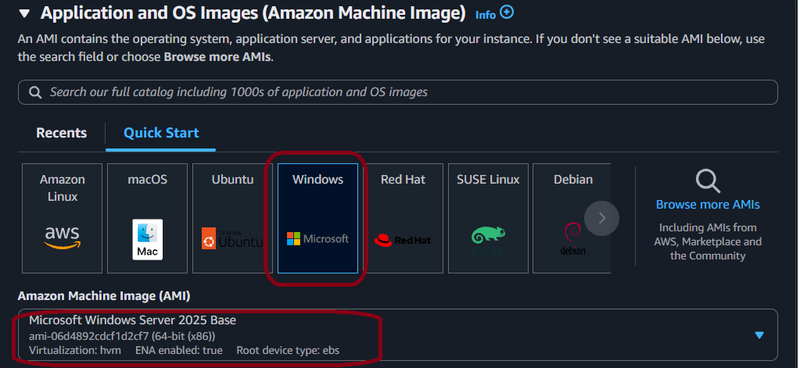
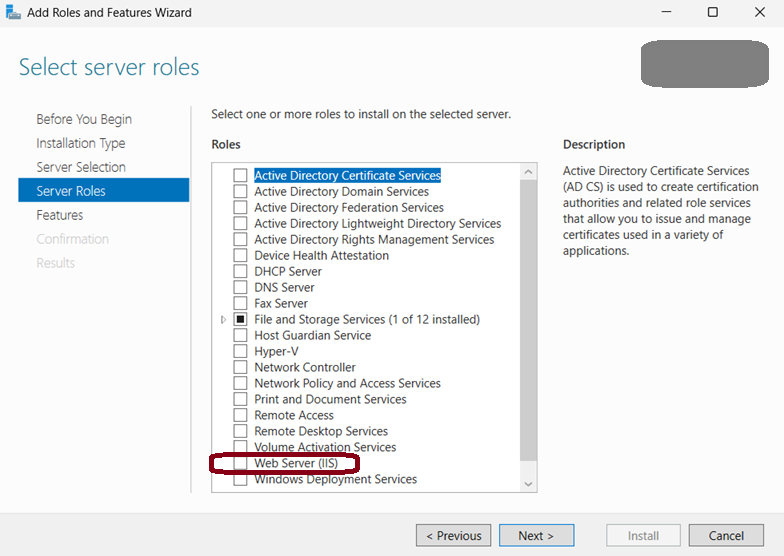
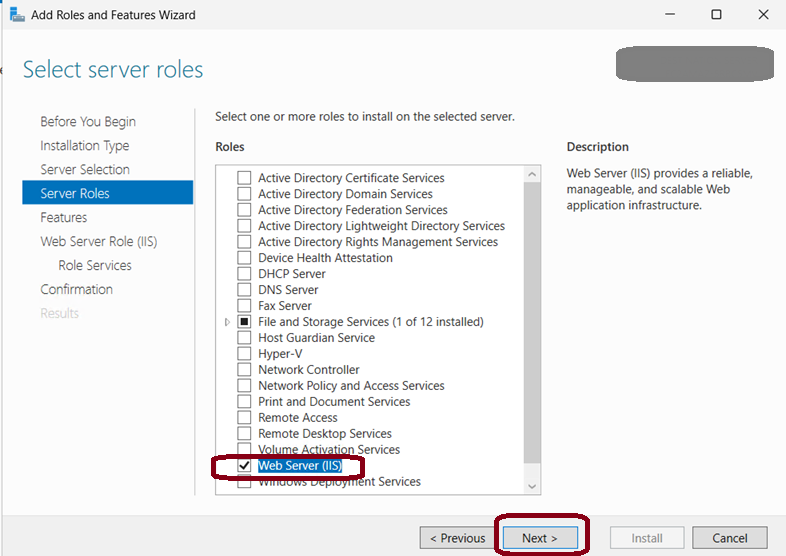
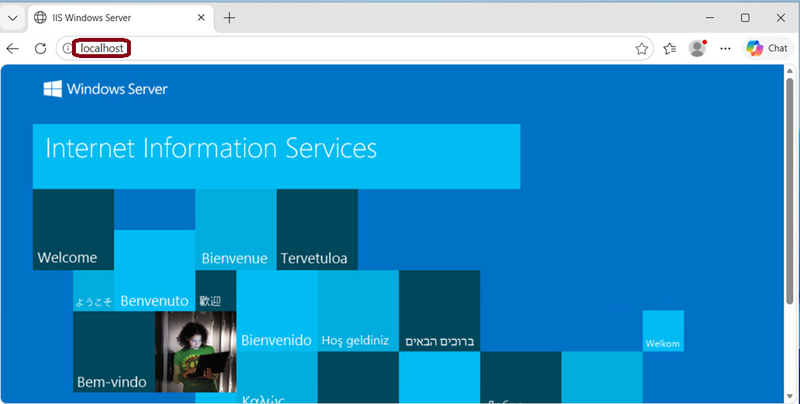
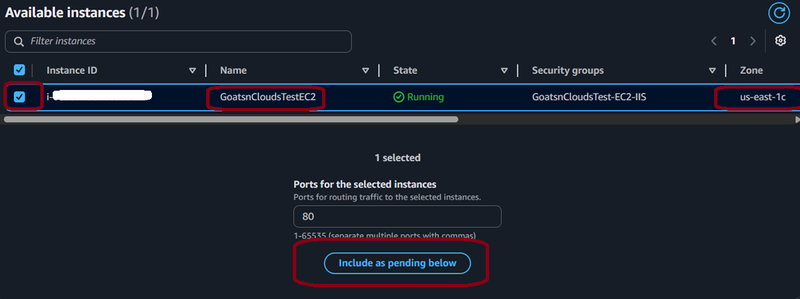
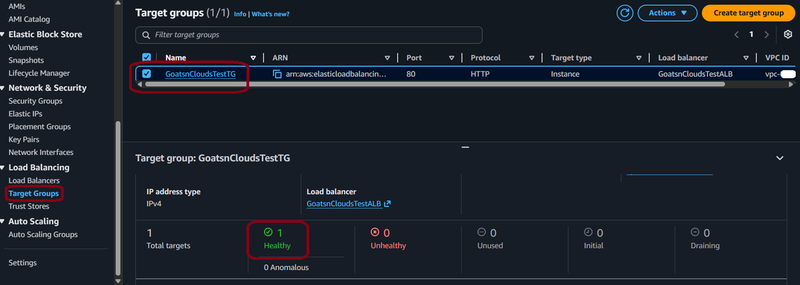
6 - The Application Load Balancer connects to EC2, which runs IIS and returns that result to the Application Load Balancer, which returns that result to the client.